
Applying a Template to a New Track #
- Click Create New Track in the left-hand menu.
- On the right side of the form find the Use a Template button.
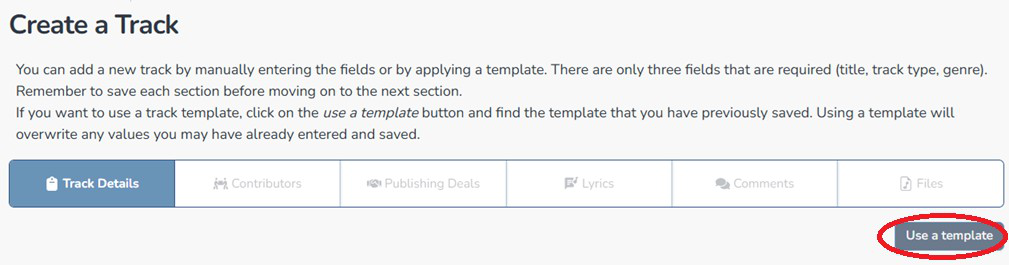
- Click Use next to the template you want.
- Confirm the override warning — applying a template replaces any data already entered.
- All pre-filled fields populate automatically.
- Enter the Track Title and any track-specific details.
- Click Save


