
Summary #
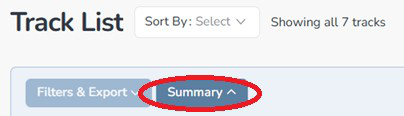
Click on the “Summary” button to show how your catalog is broken out.
The Summary section gives you an instant snapshot of your catalog broken down by:
- Track type — how many instrumentals vs songs.
- Publishers — how many tracks are signed to each publisher.
- Genres — a breakdown of all genres in your catalog.
- Signed vs unsigned tracks — how many are signed and how many are available.
- PRO registration — how many are registered with your PRO and how many are not.
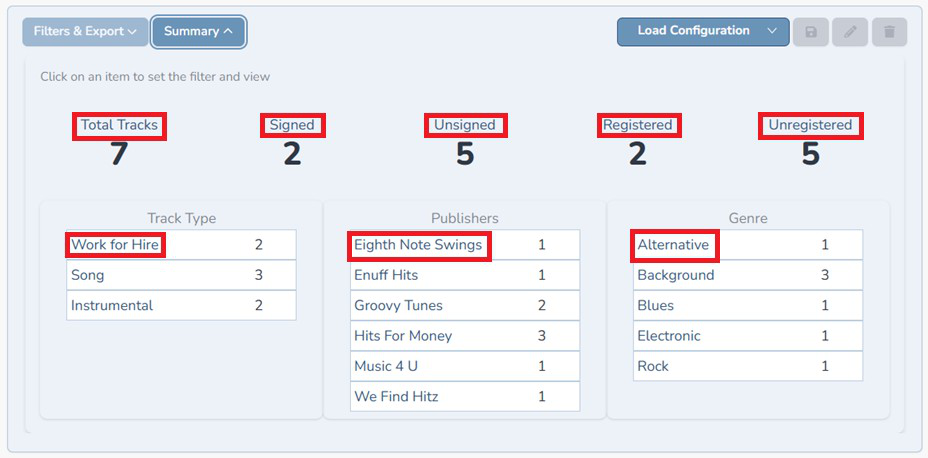
| TIP: You can click on any area circled in the image red above to instantly filter your track list to just the tracks. For example, if you click on “Registered”, the track list will show two tracks. If you click on “Eighth Note Swings”, it will show you the one track that is signed to that publisher. No manual filtering needed. |
Load Configuration #
Click on the “Load Configuration” button to load a previous track filter configuration that you saved (any filter settings that you continually use, save them as a configuration)


