Editing a Template #
- Click Templates in the left-hand menu.
- Click the Edit button next to the template.
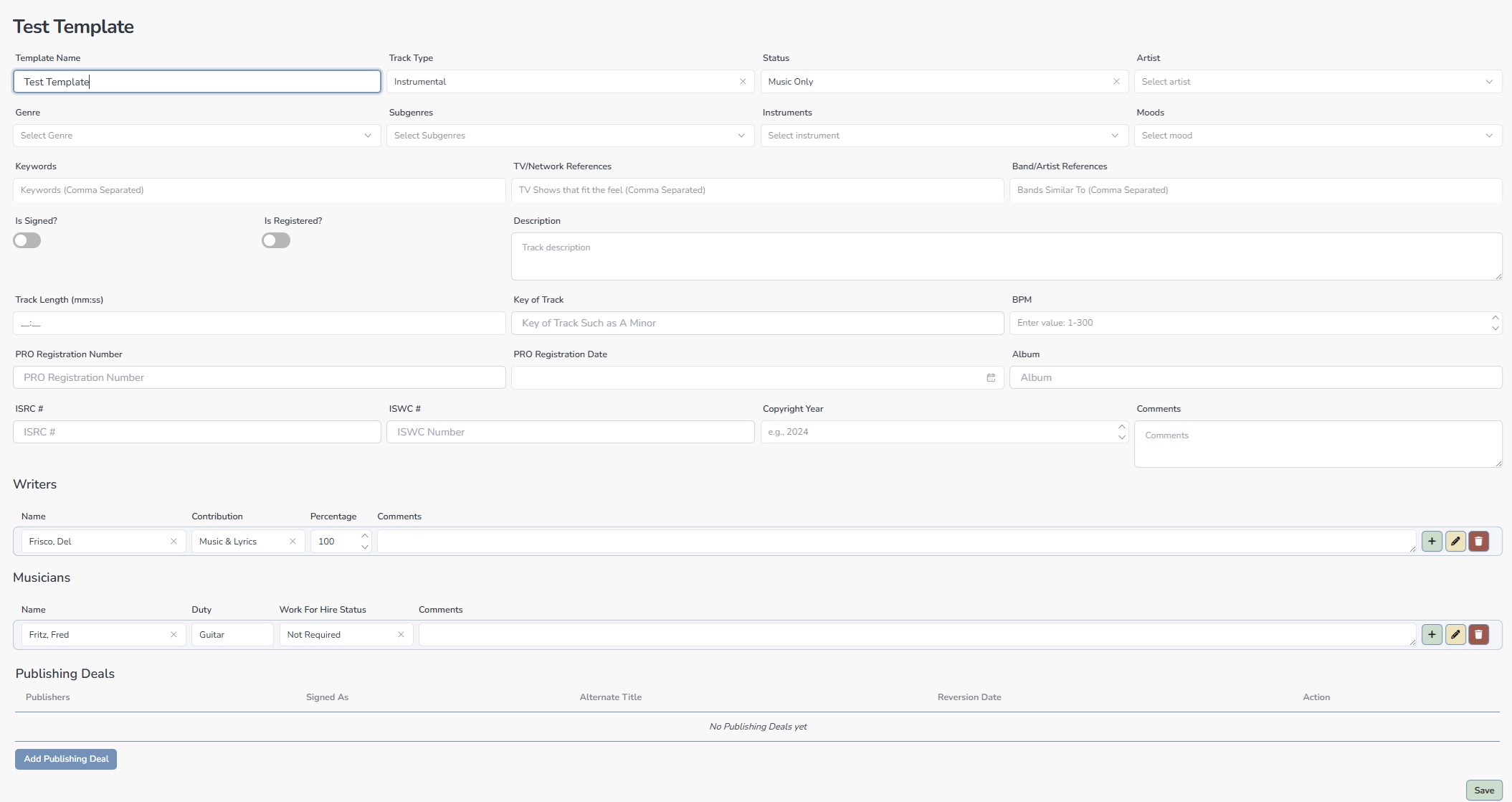
- Make your changes and click Save.
| Note: Editing a template does not update tracks already created using it — only future tracks are affected. |
 |
| Note: Editing a template does not update tracks already created using it — only future tracks are affected. |


