Filters and Export #
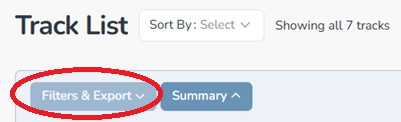
Click on the “Filters & Export” button to show the track filter and export options.
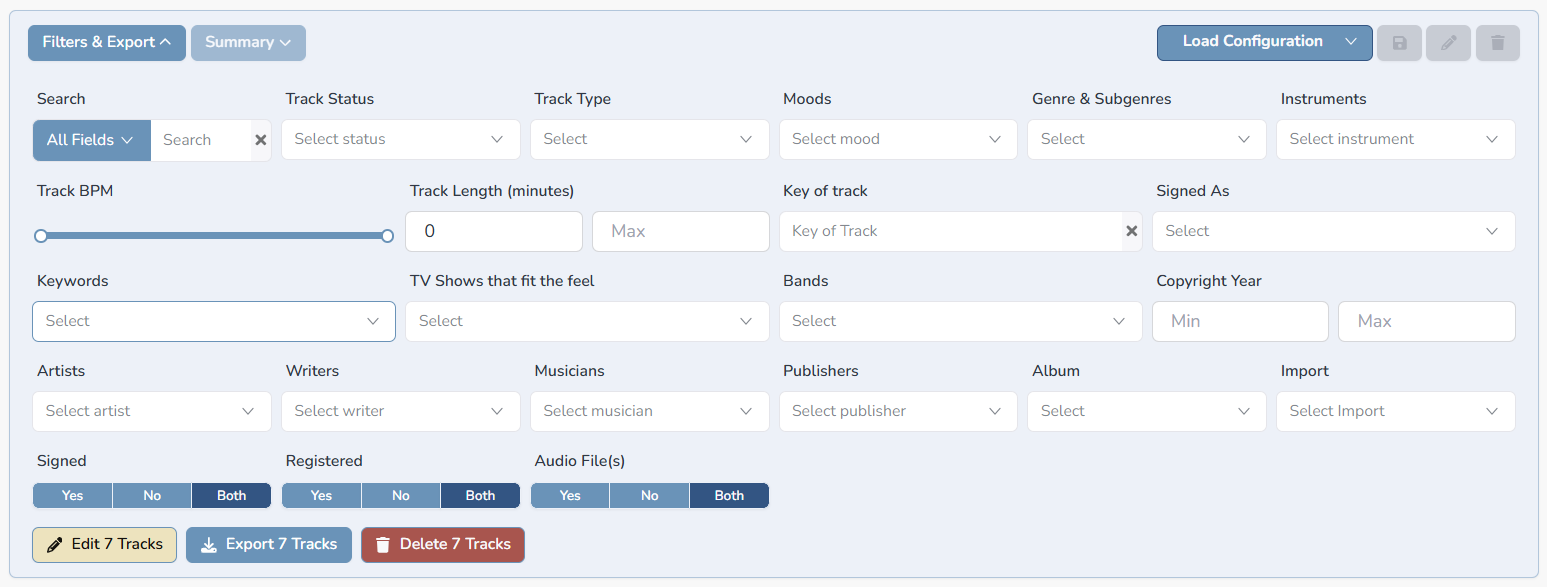
The Filter section gives you powerful tools to find exactly what you are looking for across your entire catalog.
Text Search #
- Type any word or phrase in the search box. If the blue button is set for “All Fields” (on by default), Composer Catalog searches your entire catalog by — including track titles, lyrics, keywords, descriptions, and all other text fields.
- To search only track titles, toggle the search mode to Titles.
Metadata Filters #
Expand the Filter section to see all available metadata filters. You can filter by genre, sub-genre, mood, instruments, publisher, signed status, PRO registration status, and many more fields. Combine multiple filters to narrow your results precisely.
Saving Filters #
If you find yourself repeatedly using the same filter combination, you can save it for instant access later.
- Set up your filters the way you want them.
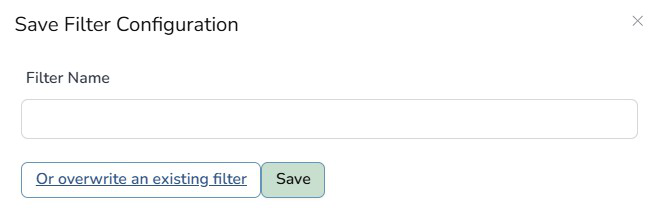
- Click Save Filter (green button)

- Give the filter a name. Example: Unsigned Tracks or Blues Only.
- Click the green Save button.
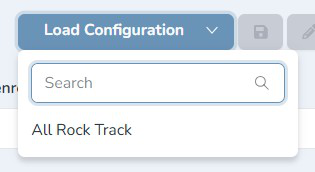
- Your saved filter now appears in the filter panel for one-click access anytime. Click the blue Load Configuration button and you will see it in the dropdown list.