
Creating a Template #
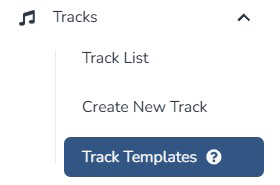
- Click Templates in the left-hand menu.
- Click Create New Template.
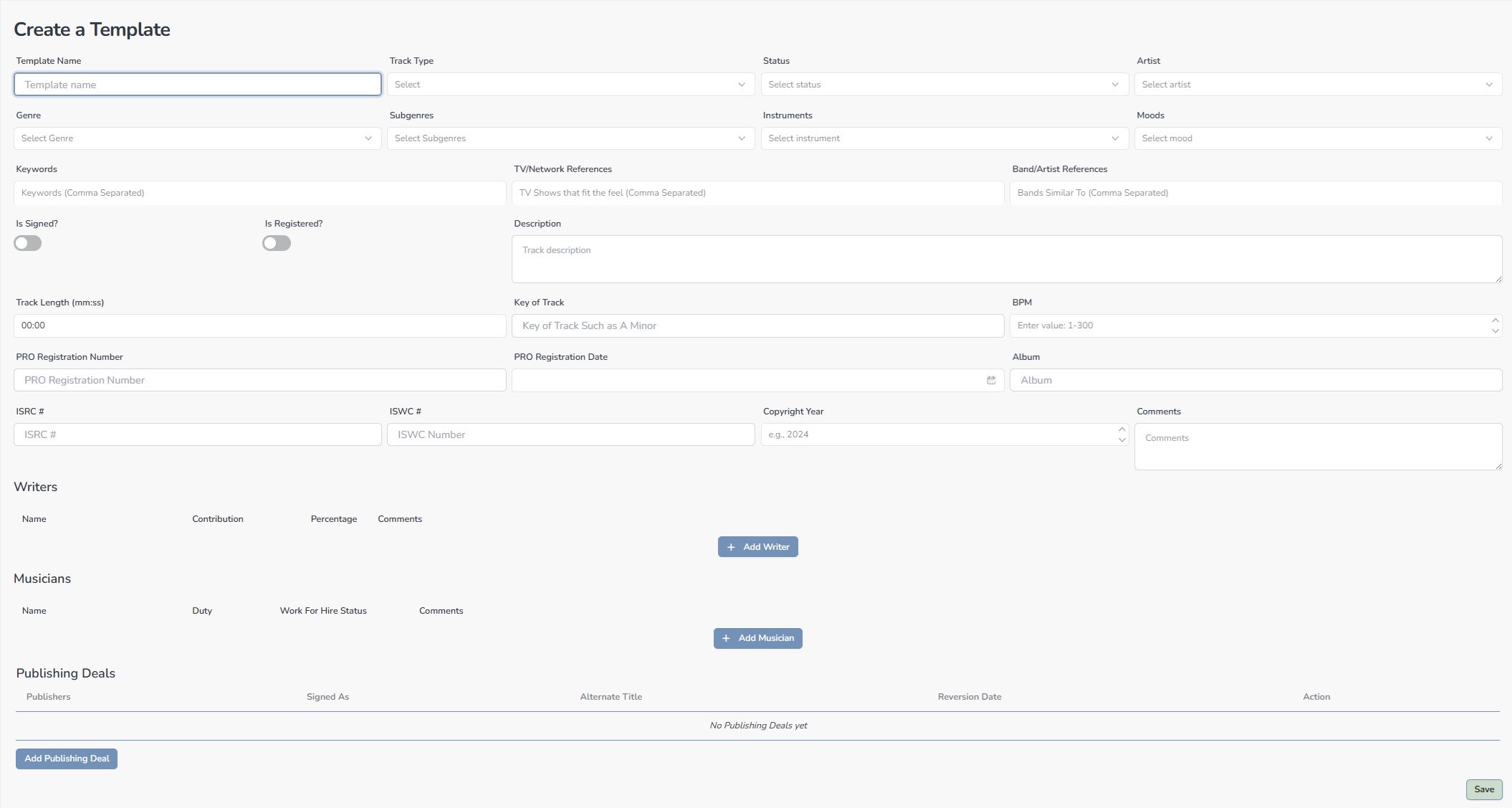
- Enter a descriptive Template Name — the only required field.
- Fill in any fields you want pre-populated when this template is applied.
- Click Save
| Tip: Use naming conventions that include the publisher and genre. Example: “Catchy Tunes — Garage Rock Album” makes templates instantly identifiable when selecting from a list. |


