
The Files section shows every audio file and document you have uploaded to Composer Catalog. This gives you a central view of all your stored content across all tracks.

Here is a video summary of the files section
On the top row, you will see:
- A filter that can search on file, document or track title. Be sure to have the dropdown set to either Track Titles or File Names.
- A pitch filter that will display all the pitches that have audio tracks attached to them.
- A playlist filter that will display all the playlists that have audio tracks attached to them.
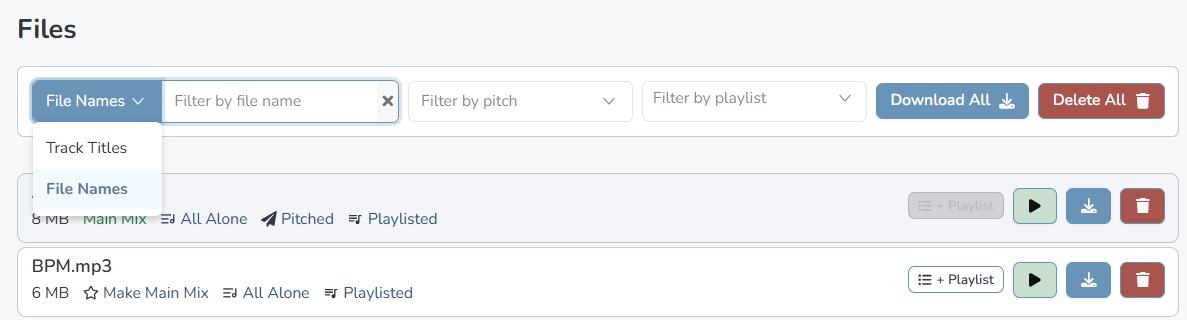
The file list will list your audio files and documents.

On the left you will see:
- The name of your filename.
- The size of the file.
- Is it a main mix.
- The track that the file is linked to (you can click on it to go to the track)

On the right you will see four buttons:
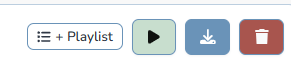
- + Playlist – add track to an opened playlist.
- Play – will play the audio file.
- Download – download the file.
- Delete – delete the file.


